
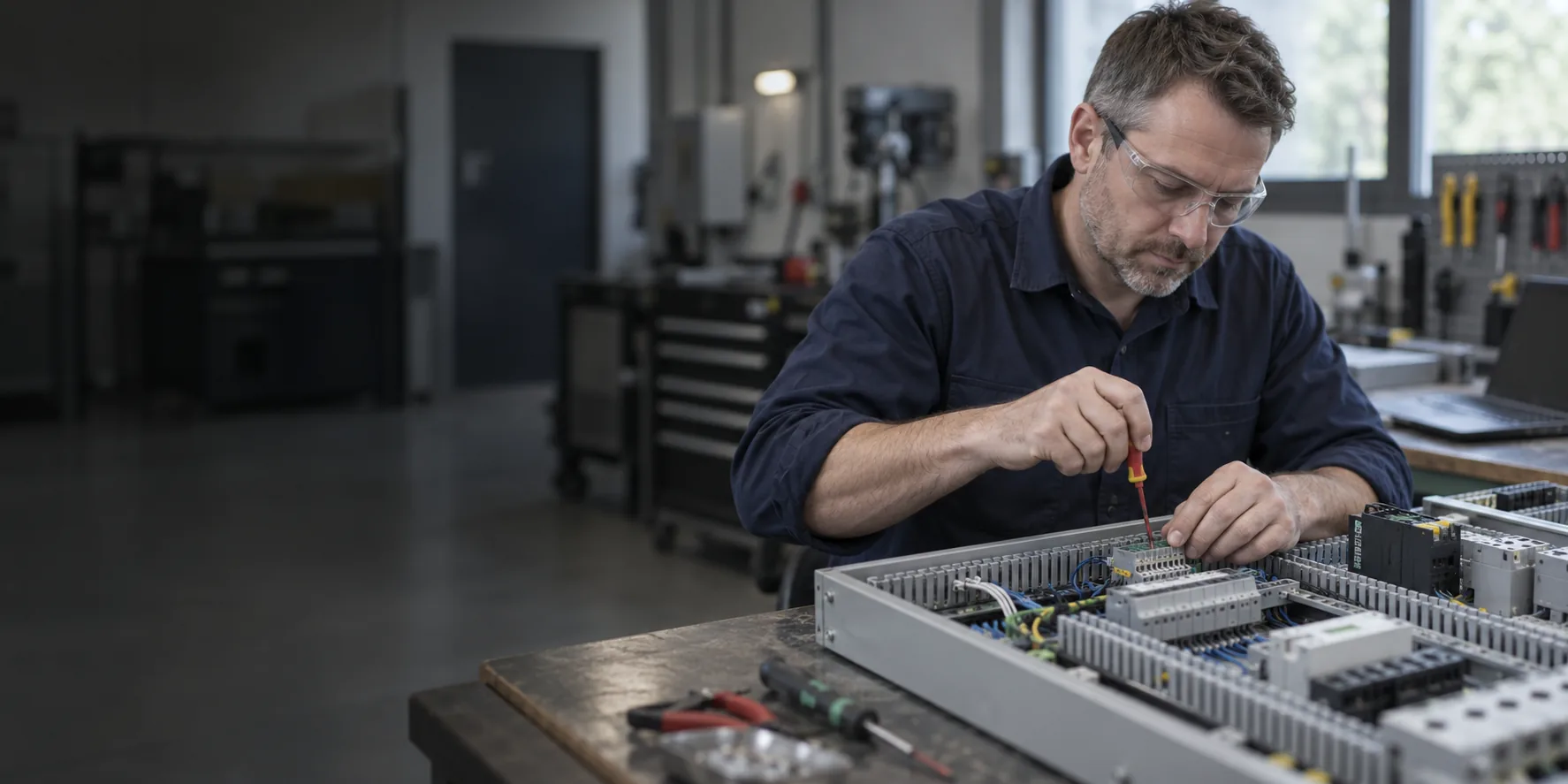
An automation functional design specification (FDS) describes how a control system should behave. It gives production, maintenance and the controls engineer a common reference before detailed programming starts. A useful FDS answers questions such as what happens when a conveyor is full, who can change a recipe and how the line recovers after an interrupted cycle.
The document does not need to be long to be effective. It needs to make decisions explicit, identify unresolved questions and provide behaviour that can be tested. This checklist is a practical starting point for a machine upgrade or a new production line.
Start with the process and the limits of supply
Describe the material or product flow, operating duties and required outcomes. Separate confirmed requirements from assumptions. If throughput depends on product size, upstream supply or operator loading, state those conditions instead of writing a single unexplained speed figure.
Draw the boundary around the project. Identify equipment supplied by other manufacturers, existing panels retained, utilities, network connections and the party responsible for each interface. A drawing showing where responsibility changes is often more useful than several pages of general description.
Functional design specification: modes and sequences
For each operating mode, describe who can select it, which conditions permit it and how it is exited. Explain automatic, manual, setup and cleaning behaviour where applicable. Manual mode must not be assumed to remove safeguards; the approved safety requirements govern what is permitted.
- Starting: what must be available before the sequence starts?
- Running: what confirms that each step is complete?
- Stopping: what happens to product already in the machine?
- Faults: which equipment stops, which states are retained and what information appears?
- Recovery: what checks and operator actions are required before restarting?
Consider loss of power, communications or an essential process signal. “Return to normal” is not a complete recovery requirement. The design needs to account for the physical position of equipment and product as well as the controller’s remembered state.
Turn vague statements into testable requirements
| Vague request | A more useful specification |
|---|---|
| The line should stop when full | Identify the full signal, affected equipment, any agreed delay, alarm and conditions for restart. |
| Operators can change settings | List permitted settings, units, limits, user roles and whether changes apply immediately or to the next batch. |
| Provide production data | Define each count or state, its source, timestamp, storage period and destination. |
| Make fault finding easy | Specify device identification, first-fault information, relevant status displays and the information maintenance needs. |
Specify interfaces and operator information
The interface schedule in your functional design specification should list signals, units, ranges, ownership and behaviour when communication fails. Distinguish a request from an acknowledgement: receiving a start command is different from confirming that equipment is running. Include timing expectations and the point at which stale data is rejected.
For the HMI, agree screen purposes, access levels, alarm responses and recipe handling. Sketch the key screens early enough for operators to comment. Our HMI and SCADA service can develop these requirements alongside the control logic, so the interface reflects how the equipment is actually used.
Keep safety requirements traceable
Identify the approved risk assessment, safety requirements and cause-and-effect documents that govern the design. Show where ordinary process control hands over to a safety function, without treating a standard PLC sequence as a substitute for a safety system. Changes to speed, access or restart behaviour should be referred to the responsible safety specialist.
Agree acceptance and control changes
Give requirements identifiers and link them to planned tests. For example, a requirement for rejecting an out-of-range recipe value should have an acceptance test that checks the boundary, the displayed message and the retained value. Record agreed exceptions rather than silently changing the specification to match the software.
Before approving the functional design specification, bring production, maintenance, IT or OT representatives and the relevant machine suppliers into the review. Record who approves the baseline and how later changes affect cost, programme and testing. Siemens’ validation guidance illustrates this connection between specifications and testing; the level of documentation should suit the project and its obligations.
Plan the specification before the shutdown
Advanced Automation provides control system design and PLC programming. To discuss an FDS, bring the existing drawings, a short process description, known operating problems and any fixed shutdown dates. Contact our team to turn those inputs into a clear design and test scope.
Related guides
Sources and further reading
Technical sources checked 28 October 2026. Confirm the requirements and manufacturer documentation applicable to your equipment.







Join the discussion One Comment